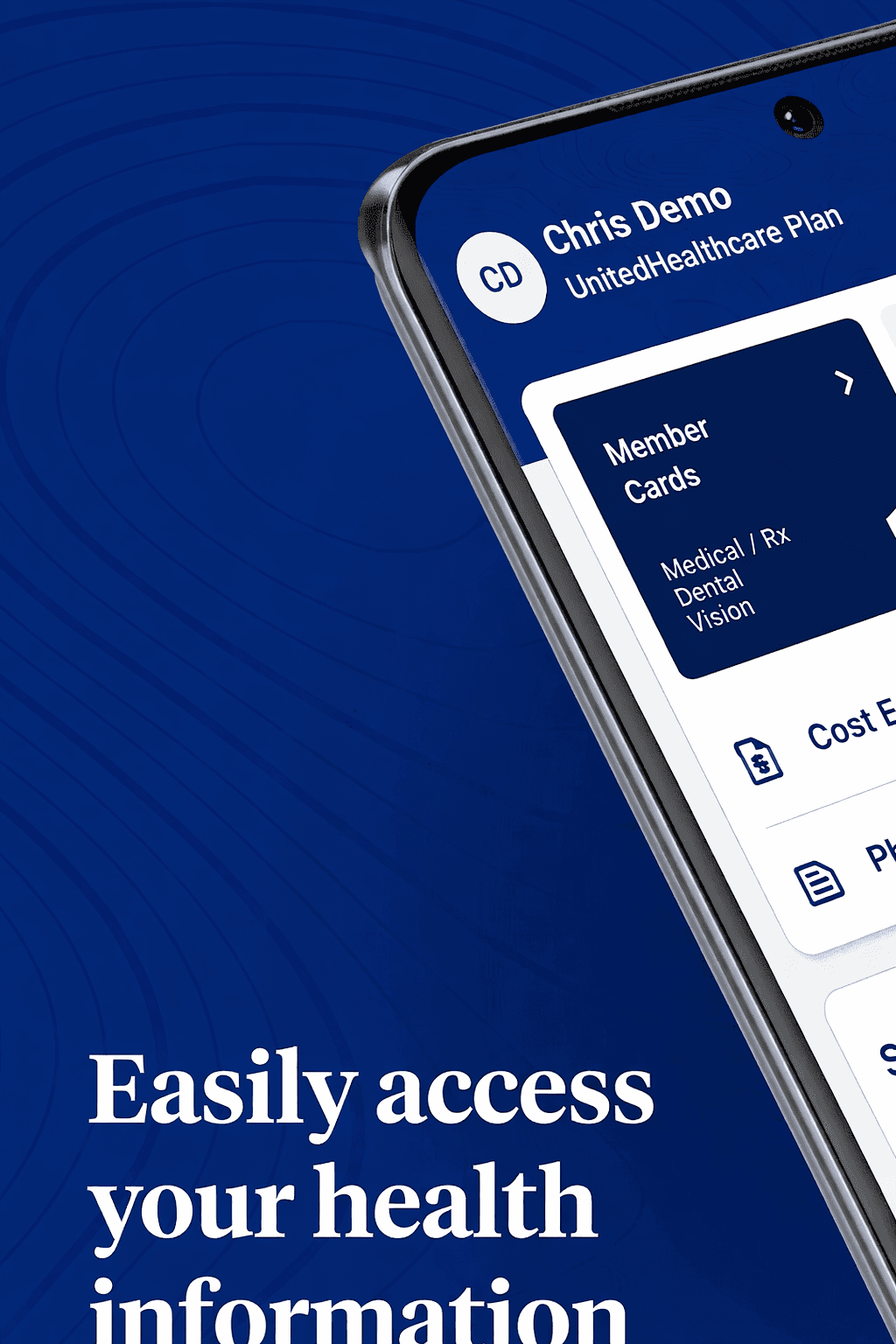
Reimagining Applications with AI
PitchHub
Google's sales enablement team creates hundreds of MVPs each quarter, demonstrating how Vertex AI integrates with diverse applications. As consultants, we ran a pilot project to prove we could take over this process, delivering scalable MVP development for Google.
Client
Google (Vertex AI – Sales Enablement Team)
Duration
2 weeks
Industry
AI & Cloud Computing
Scope of work
SaaS
AI-Driven
No-code

Validating Manufacturing Diagrams for Airbus.
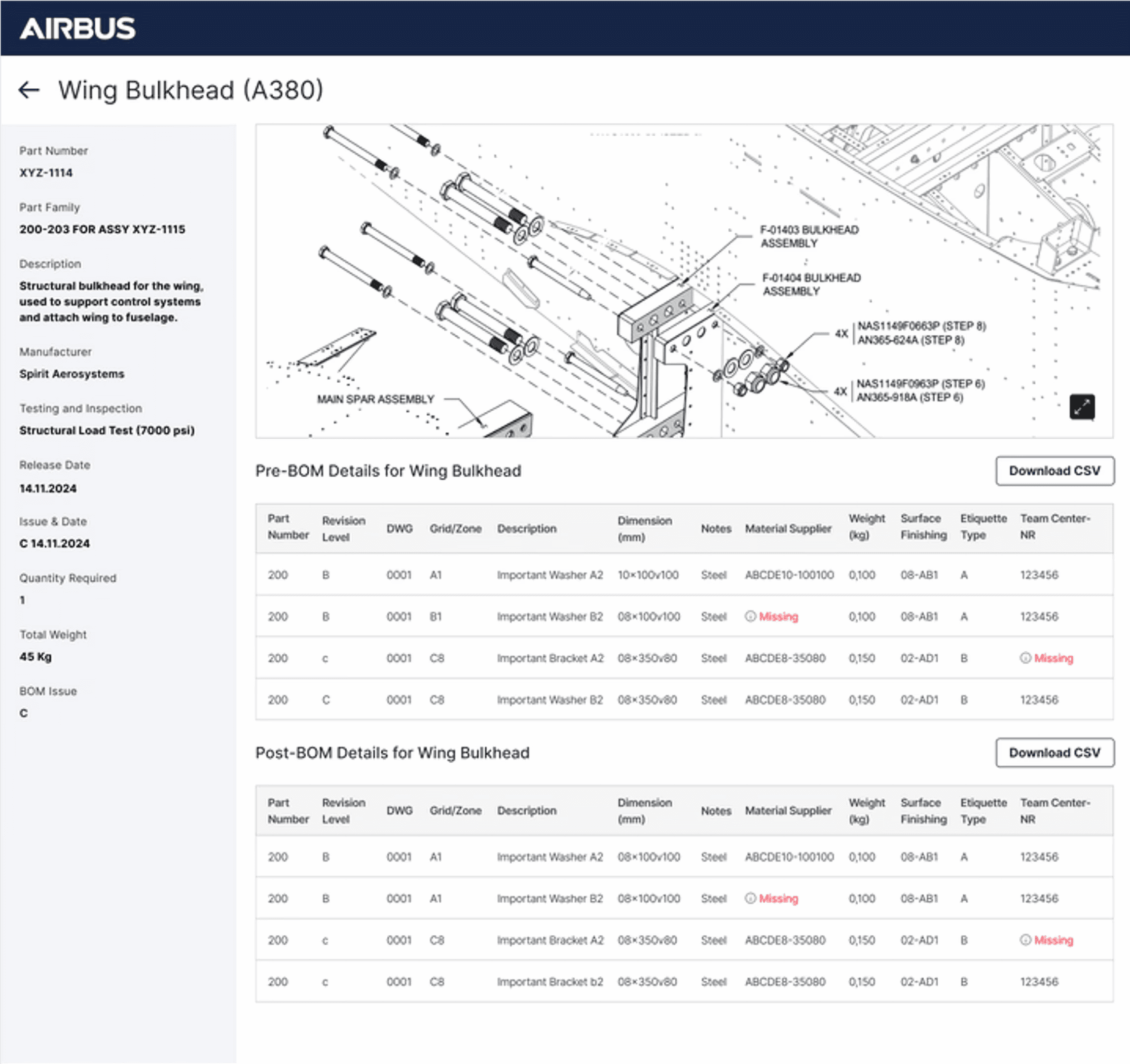
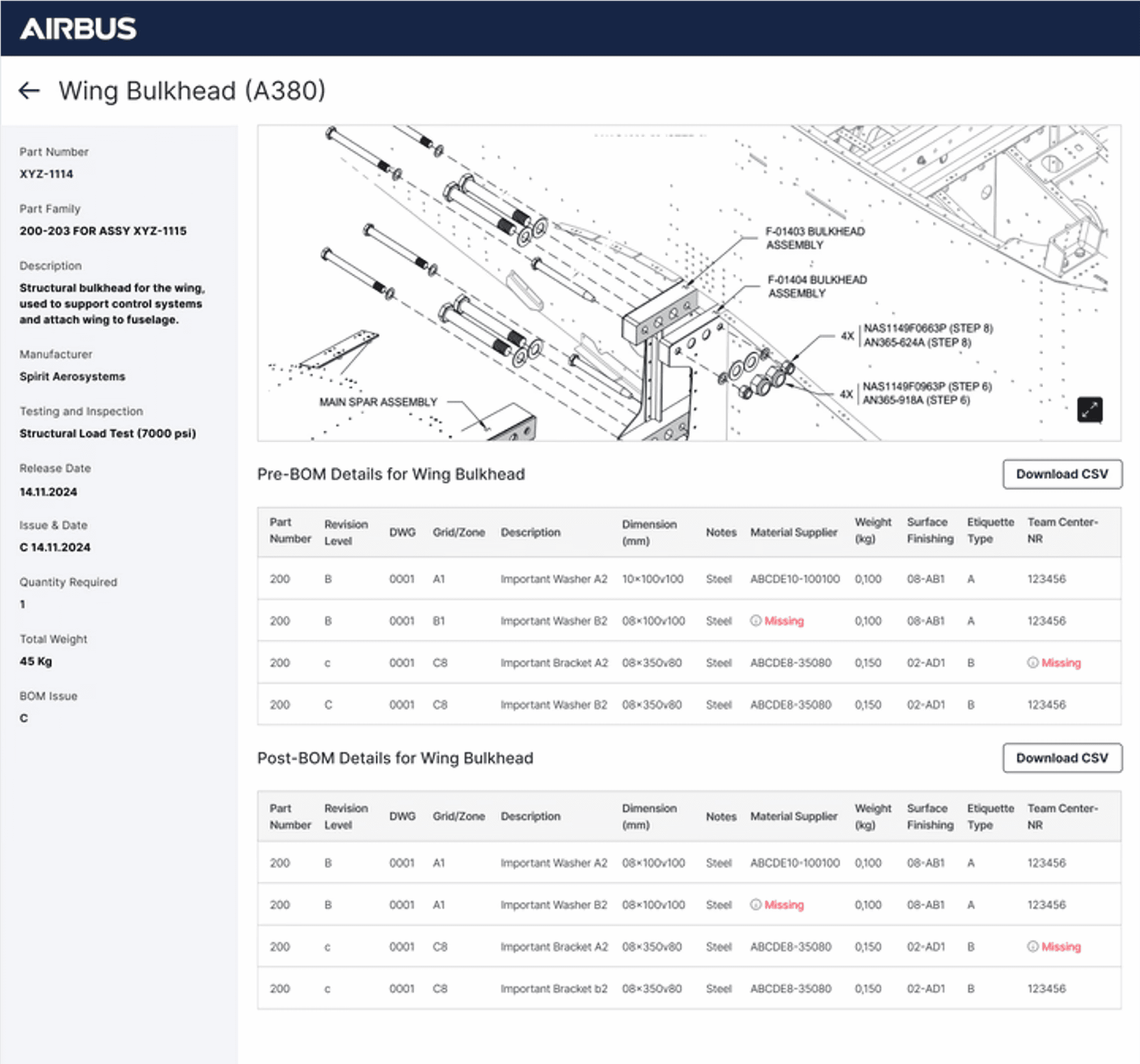
One of the key use cases to showcase Vertex AI’s real impact was with Airbus. We applied AI to streamline the validation of complex, legacy manufacturing diagrams. The system cross-referenced each diagram with the bill of materials and part data, automatically completing missing details. When gaps couldn’t be resolved, the AI clearly highlighted them on both the diagram and validation tables, ensuring accuracy, efficiency, and production readiness.
My Process
Working on rapid MVP builds meant balancing speed with clarity. My process moved from understanding requirements to validating storyboards with stakeholders, designing high-fidelity prototypes within FlutterFlow's constraints, and closing the loop with final reviews before handoff.

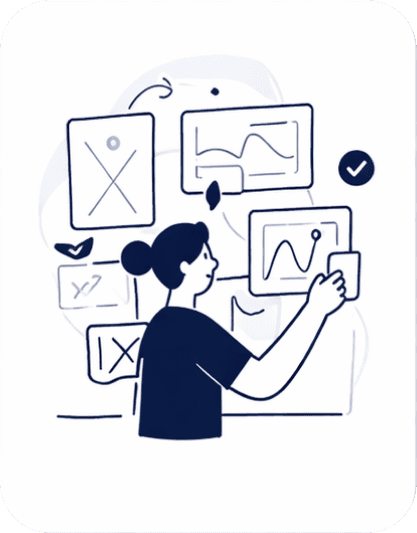
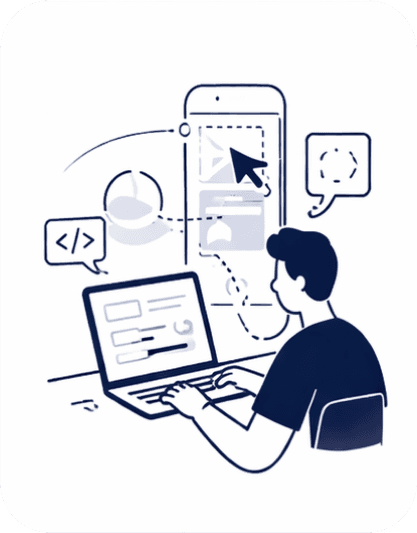
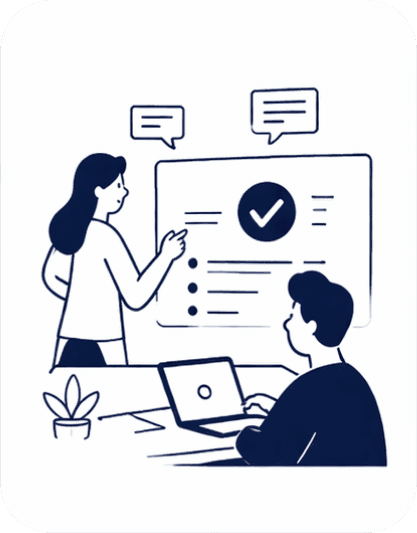
Storyboard
The storyboard was carefully designed to map out each step of the user's actions alongside the corresponding generative AI responses. At every stage, we outlined what the user would do and how the AI would assist, whether by validating data, completing missing parts, or highlighting gaps.
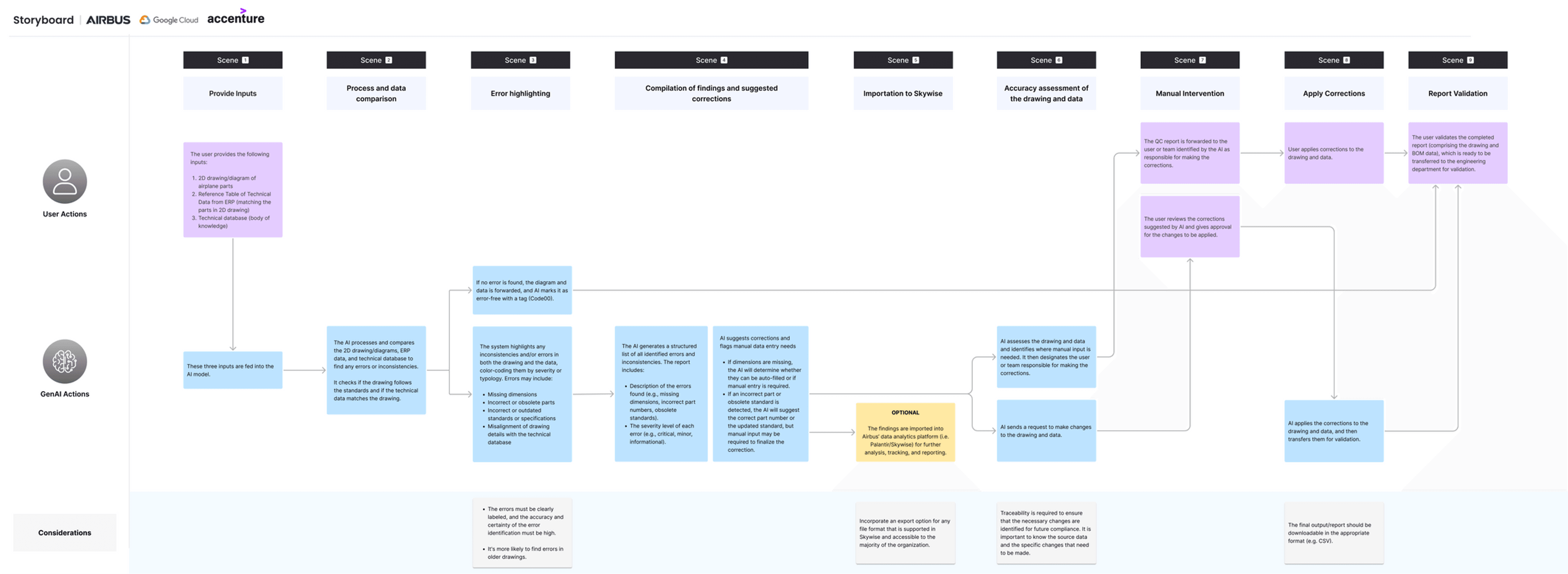
*Replica of the original project artifact, unchanged to reflect real delivery under time constraints. Use the custom zoom to view research text.
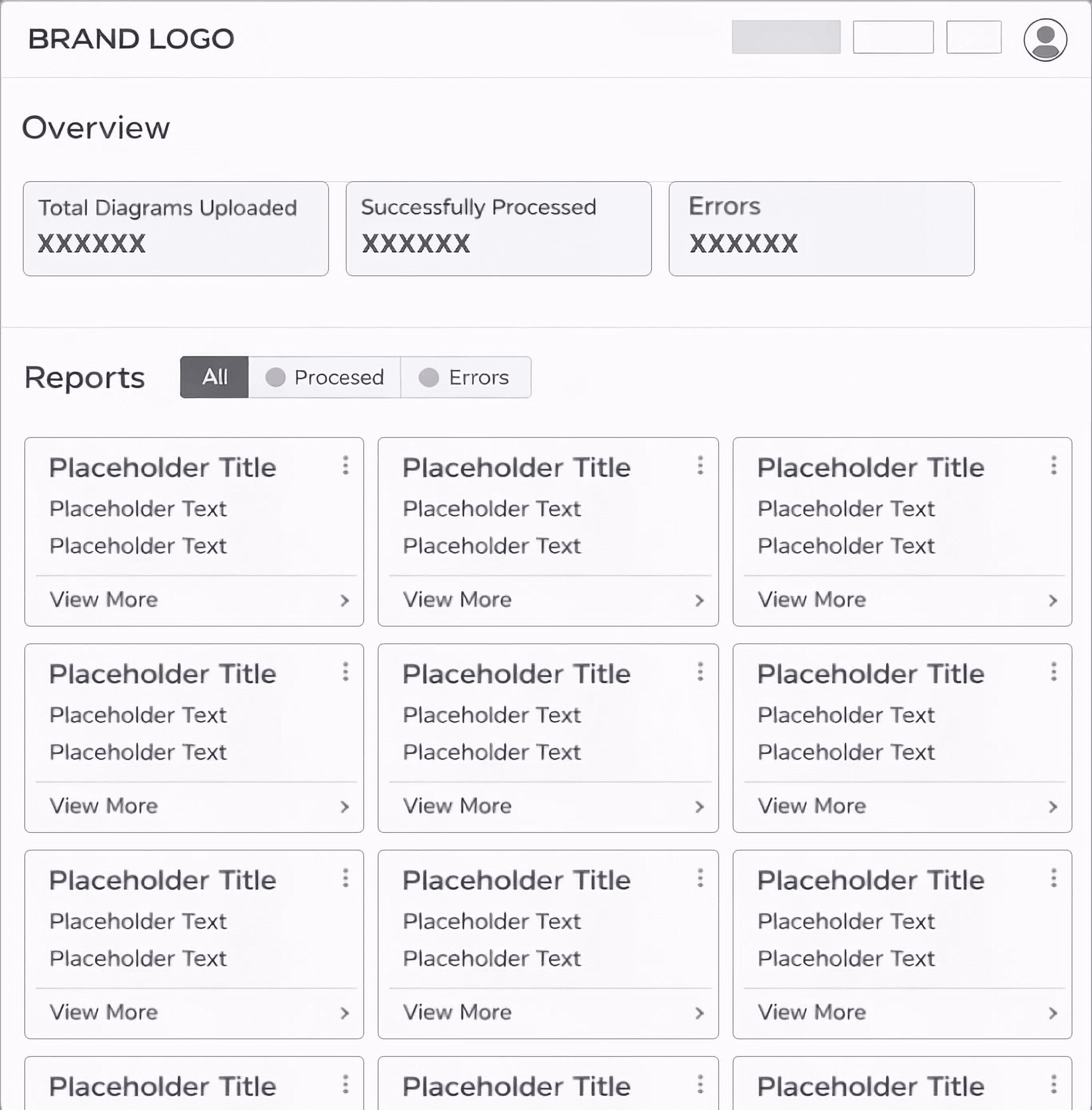
Prompt to Code
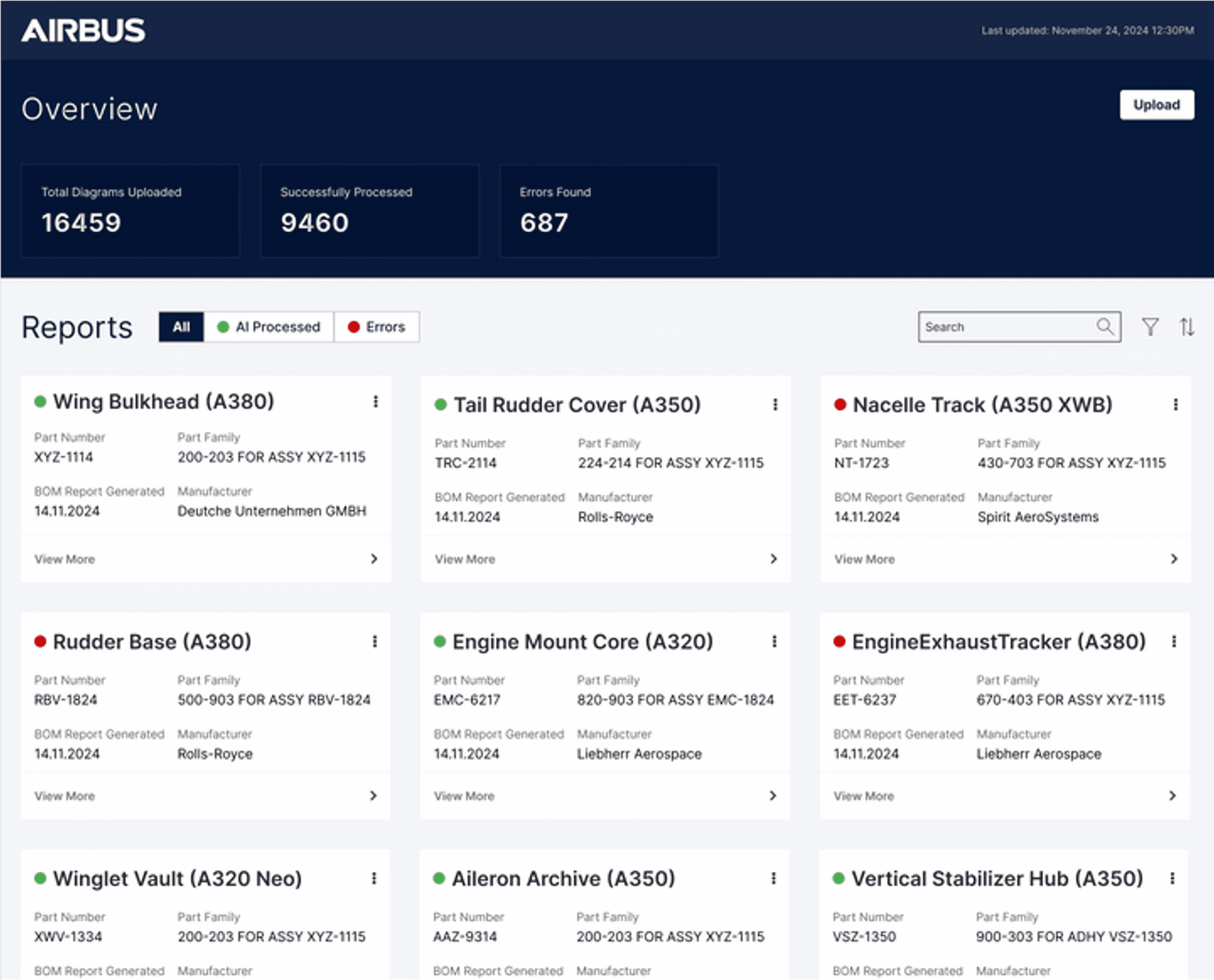
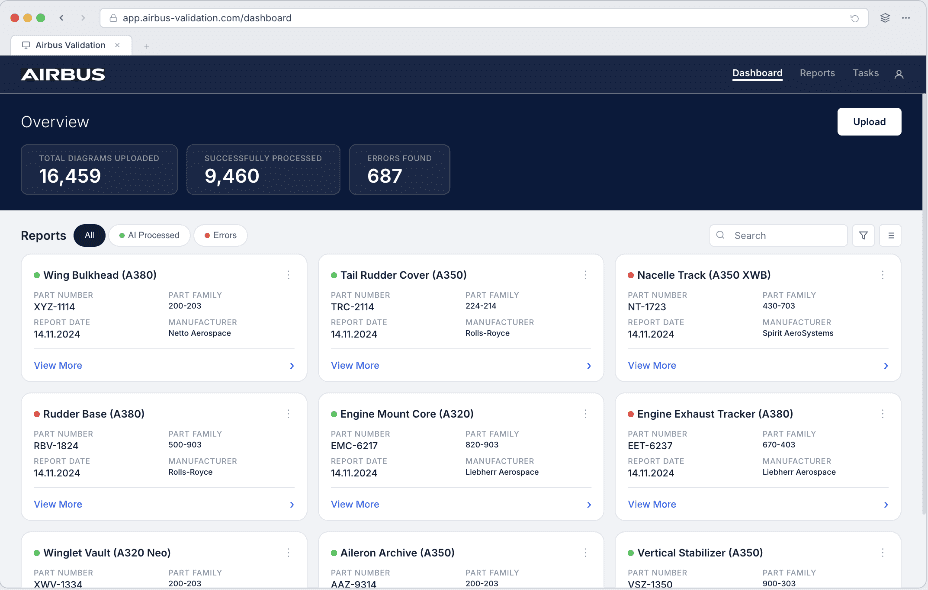
For the project, we originally built it in FlutterFlow, but for the purpose of showcasing it in my portfolio, I created a working prototype using Claude.
Prototype features & interactions
Filter Part Cards → Sort by AI processed, errors, or all.
Open Part Details → Click on any card to view detailed screen.
Upload Flow → Simulate uploading diagrams and BOM data.
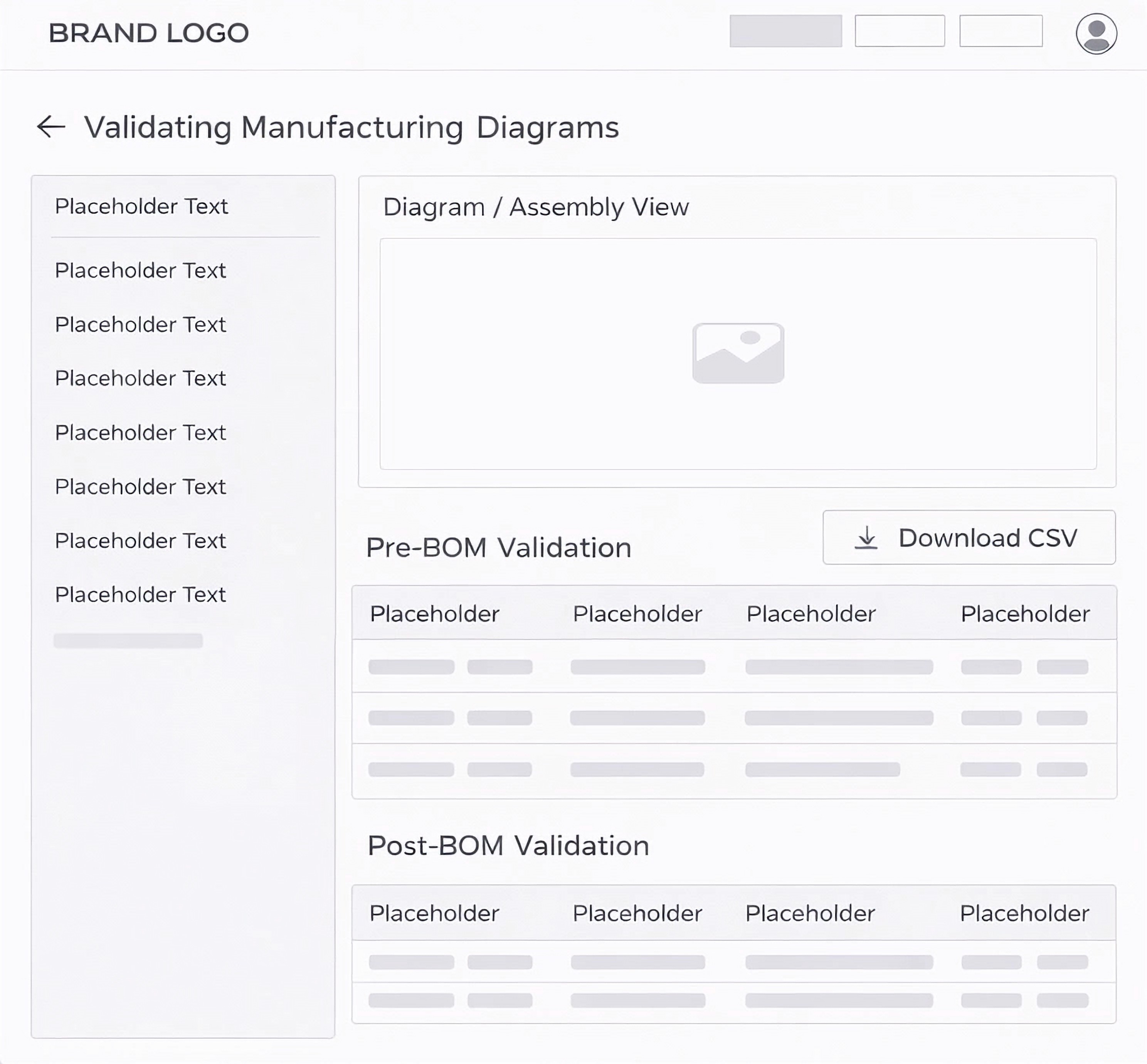
Inspect Diagram → Identify AI-marked missing information.
Cross-Reference Tables → See issues mapped with reference IDs.
Scrollable Tables → Navigate Pre-BOM and Post-BOM data.
View Part Details Panel → Review part metadata in the side panel.
Measurable Impact
VALUE ADDS FOR OUR CLIENT
01.
Significant Time
Savings
Reduced validation and structuring time by ~70 percent, enabling faster decision making and improved engineering efficiency.
02.
AUTOMATED STRUCTURING AND ERROR DETECTION
AI surfaces mismatches and missing fields against the bill of materials — catching issues long before they reach production.
03.
STANDARDIZED PROJECT OUTPUTS
Converted unstructured inputs into consistent, Gantt-ready project plans, ensuring clarity, alignment, and scalability across teams.